Migrating from Blueprint to Stencil on BigCommerce
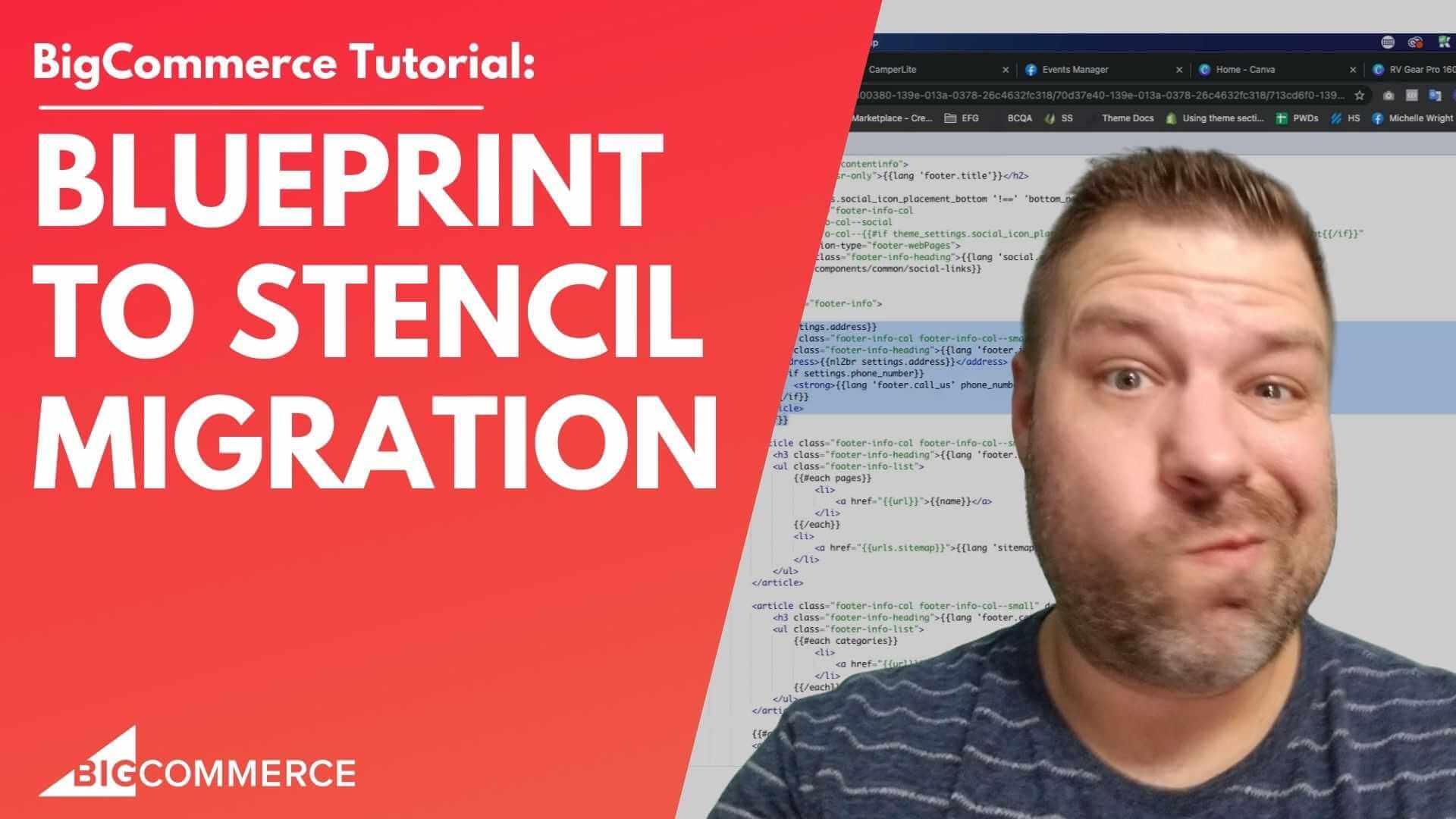
Are you still using the Blueprint framework on BigCommerce and wondering if it’s time to upgrade to Stencil? If BigCommerce has been nudging you to make the switch—or you’re simply curious about what Stencil offers—you’re in the right place.
Migrating from Blueprint to Stencil can be daunting, but it also brings many benefits, including faster performance, enhanced design capabilities, and access to newer apps and features. In my video below, I break down everything you need to know about making the move, sharing real-world insights as both a developer and a BigCommerce store owner.
Watch the video to learn:
- Why BigCommerce moved away from Blueprint
- What Stencil is and how it works
- The challenges and opportunities involved in migrating
- How to ensure a smooth transition for your store
Key Takeaways from the Video
Here are the main points covered in the video, including timestamps, so you can jump to the most relevant parts for your store’s needs:
- What is Stencil? (00:02)
The video kicks off with an introduction to the differences between Blueprint and Stencil, explaining why BigCommerce is encouraging store owners to upgrade. - The Power of Stencil for Developers (01:00)
Stencil is built on Handlebars.js and Stencil CLI. It offers developers the ability to code and test locally before deploying changes, making the process much cleaner and efficient compared to Blueprint. - Migration Challenges and What to Expect (03:12)
Transitioning from Blueprint to Stencil requires recoding templates since the two frameworks are incompatible. I explain how this can be handled and whether you should hire a developer. - Choosing a Theme: Custom or Pre-Built? (03:52)
You can either replicate your current design by hiring a developer or choose a new theme from the BigCommerce marketplace. Both options have their pros and cons, and I outline them clearly in the video. - Finality of the Migration (06:41)
Once you migrate away from Blueprint, there’s no turning back. I highlight why it’s important to plan carefully and how this migration can be an opportunity to enhance your store’s design and performance.
Why You Should Watch This Video
This video is perfect for BigCommerce store owners who are considering or preparing for the switch to Stencil. I’ve worked on numerous migrations, and in this video, I give you an honest, step-by-step overview of what to expect, potential pitfalls, and how you can make the most of this upgrade.
Whether you need advice on choosing a theme, understanding the development process, or simply want to know more about Stencil’s capabilities, this video has you covered.
Don’t forget to subscribe to my channel for more eCommerce tips, and feel free to reach out if you need help with your BigCommerce store. Click below to watch the full video!
Full Transcript
(00:02)
Hey there! Are you still on the Blueprint framework on BigCommerce and thinking about moving over to Stencil? Maybe BigCommerce keeps telling you to migrate, or you’re just wondering, “What is this Stencil that everyone keeps mentioning?”
In this video, we’re going to talk about migrating from Blueprint to Stencil.
Before we get started, my name is Cal. I’m a developer, store owner, and I run the eCommerce Growth private group for stores like yours and mine. It’s completely free to join—I’ll leave a link under the video. Be sure to check it out! Every week, I post more eCommerce videos, so if you find this one useful, subscribe and hit the bell to get notified when I post more.
(00:29)
Alright, let’s talk about BigCommerce Blueprint. Before Blueprint, BigCommerce had a framework we used to call Three Column Blue, which was the theme that everyone started with. It was hideous—three columns and just terrible!
Then they introduced Blueprint, which was a huge improvement. But in 2016, they announced that they were moving away from Blueprint to this new thing called Stencil. Everyone was like, “What is Stencil?”
(01:00)
Let me clue you in: Stencil is a combination of Handlebars.js and Stencil CLI. People in the BigCommerce community just refer to it as Stencil as a whole, but it’s really these two components working together.
Stencil CLI is a massive tool for developers like me because it allows us to develop locally on our computers and push updates to your site once everything is ready. This way, we can test things in a local environment, make changes, and only go live once everything is good to go.
Before this, we used to do a lot of on-the-fly editing, which sometimes got messy. So, Stencil CLI was a major leap forward, giving us a much better development process.
(01:29)
Now, Handlebars.js is a JavaScript library that lets us use template tags—those little curly brackets you might see—calling data from your database, like product titles on a product page. We had something similar on Blueprint, but with Handlebars.js, we can do much more.
For example, we can loop through all your custom fields on a product page or display all product cards on a category page. We can also do cool things like if statements, allowing us to say, “If this product has a certain custom field, show this specific information.” This gives us a lot more power and flexibility.
(02:32)
This is why everyone encourages you to upgrade to Stencil—it’s just so much more powerful than Blueprint. But you’re probably wondering, “What does it take to actually upgrade from Blueprint to Stencil?”
The big difference is how the template is written. The database tags used in Blueprint are not compatible with Stencil, and vice versa. These are two completely different systems, so if you want to go from Blueprint to Stencil and you like your current design, you’ll need a developer to code a new Stencil theme that mimics your old design.
(03:12)
If you’re not attached to your current design, you can check out the BigCommerce Theme Marketplace and pick a new Stencil theme. This option lets you upgrade without a big development cost.
However, keep in mind that when you activate the new theme, it will go live immediately on your site. This means you’ll need to get everything into shape quickly—otherwise, your store could look like a mess. So, if you go this route, I recommend being prepared for downtime and using maintenance mode to avoid confusing customers while you’re getting things ready.
(04:28)
Also, it’s a good idea to have a developer on standby to help you clean up any issues quickly. But if you’ve been around since before 2016, maybe this is a great opportunity to do something more custom. Instead of just doing a lateral move from Blueprint to Stencil, why not take this chance to improve your store design?
You could engage with someone like my team at Epic Design Labs to recode your site or give it a design refresh while migrating to Stencil. Yes, it’ll cost more upfront, but in the long run, you’ll likely end up with a much better store that’s optimized for growth.
(05:32)
The benefit of working with a developer like us is that we can develop and test the new site before it goes live. This way, you avoid the potential mess of launching a marketplace theme and trying to fix it on the go. It’s a more upgrade-friendly path overall.
But regardless of which option you choose, you’ll need to switch from your current template and recode your site for Stencil. And if you have any custom scripts from your old site, there’s a good chance they’ll need to be rewritten.
(06:41)
One important thing to note: Once you move away from Blueprint, you can’t go back. BigCommerce won’t allow you to switch back to a Blueprint theme after you’ve migrated, so this is a one-way change.
That’s why it’s crucial to plan ahead and make sure everything is ready before you flip the switch.
(07:16)
In the end, migrating from Blueprint to Stencil is an opportunity to clean up your code, improve your store design, and future-proof your site. Yes, it will cost some money if you do it the right way, but Stencil is faster, more flexible, and supports newer apps that aren’t compatible with Blueprint.
(07:49)
If you’re still on Blueprint in 2021 or 2022, it’s definitely time to make the switch. If you need a developer to help with the migration or anything else, feel free to reach out to us at Epic Design Labs.
I hope this video gave you a better understanding of what the upgrade process looks like. Be sure to join the community at jointecommercegrowth.com, and if you found this helpful, hit the like button!
I’m always looking for ways to help you guys out, so leave a comment below with anything you’re stuck on, and that might be my next video. Thanks so much for watching, and I’ll see you next time!”